Live Privacy
Can Someone See If You Viewed Their Instagram Live?
Joining an Instagram Live can show your username to the host and other viewers. Live likes and comments are public, while replays count views without names.
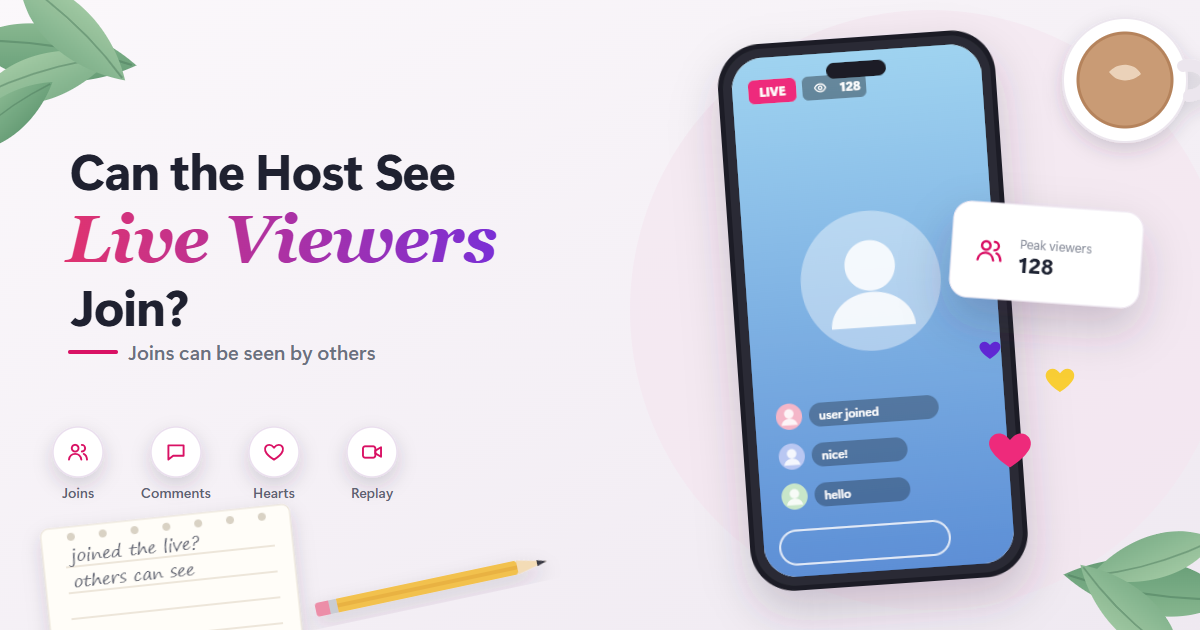
Yes. When you join an active Instagram Live, Instagram’s Help Center says “the person sharing and anyone else who’s viewing may be able to see that you’ve joined.” Any likes or comments you send during the broadcast are visible to everyone watching. Replays are different: a Live replay shared to the profile shows up with Reels, and replay viewers are counted, not named.
So an active Live is one of the least private places to watch on Instagram, while its replay behaves much more like a Reel.
What Happens When You Join an Active Live
Opening a Live that is broadcasting right now is not a silent action. Instagram’s Help Center page on watching live videos says both the host and other people in the broadcast may be able to see that you joined.
The wording is “may be able to see,” which leaves room for moments when a join is easy to miss, such as a busy broadcast. It gives you no reason to expect privacy.
Other Viewers Can See You Too
Most articles on this topic only talk about the host. Instagram’s wording also includes “anyone else who’s viewing,” so the audience is part of the picture.
If you join a Live that mutual friends are also watching, assume they can notice your arrival as well. This is very different from a Story, where only the owner can look at the viewer list.
The Viewer Count at the Top of the Screen
Instagram’s Help Center page on starting a Live says the host sees the “number of viewers” at the top of the screen, with comments at the bottom. Your join adds to that number the moment you arrive.
Can the Host Open a Viewer List?
The current Help Center text describes the viewer count and join activity, not a full list. Many secondary guides, however, describe hosts tapping into a list of who is watching during the broadcast.
The safe reading: the host and other viewers can see join activity, and many hosts also open a viewer list during the broadcast. Either way, joining an active Live is a named action.
Leaving a Live
Instagram’s Help Center does not describe what, if anything, others see when you leave a Live. Leaving early does not undo your join, which the host or other viewers may already have seen.
If you want to avoid being noticed, the only reliable choice inside Instagram is not to join the active broadcast at all.
Comments, Likes and Hearts During a Live
Interactions during a Live are public to the room. The Help Center says: “Anyone who’s viewing the live broadcast can see when you like or comment on the video.”
That covers likes, which viewers usually see as hearts on screen. Your comments appear in the stream at the bottom of the screen for the host and every viewer present.
Compare that with a Story like, which only the person who shared the Story can see. On a Live, a like is seen by the whole audience.
Guests, Co-Hosts and Requests to Join
A host can invite guests into a Live, and viewers can request to join. Both actions carry your identity by nature: an invite is aimed at a specific account, and a request tells the host who is asking.
Once you are a guest in the broadcast, you appear on screen for everyone watching. Treat any request to join as fully visible to the host.
Who Can Go Live on Instagram
Instagram’s Help Center says going Live requires “a public account with 1,000 followers or more.” Most broadcasts you come across are therefore hosted by public accounts with at least that audience.
Teen accounts have Live turned off by default, and users under 16 need a parent’s permission to go Live.
Hosts Can Hide a Live From Specific People
A host can hide their Story and Live videos from chosen accounts through the “Story, live and location” section of settings. Instagram’s Help Center on hiding your Story says this is different from blocking and does not stop that person from seeing the profile and posts.
This setting lets a host keep someone out of future Lives. It does not show anyone a list of who watched a past Live.
What the Host Keeps After the Live Ends
The named part of a Live mostly exists while it is broadcasting. What the host keeps afterward is either the video itself or numbers.
Saved or Downloaded Broadcasts
A host can save or download a broadcast from their Live archive. Instagram’s Help Center is direct about what that file contains: “Only the broadcast is saved and not things such as comments, likes and viewers.”
A saved Live does not carry a record of who watched it.
Live Insights
Instagram’s Live insights page lists metrics for public accounts with 1,000 or more followers:
- Viewers: unique accounts that watched.
- Peak concurrent viewers: the highest number watching at the same time.
- Comments: the number of comments.
- Shares: the number of shares.
- Accounts engaged: accounts that interacted.
These Insights are available for up to 30 days after the broadcast. They are aggregate numbers only, with no usernames.
What Live Insights Cannot Tell a Host
Live Insights answer “how many,” not “who.” A host can learn that a broadcast reached a certain number of unique accounts and peaked at a certain audience size, but the Insights screen does not turn those figures into a list of accounts.
That makes the broadcast itself the main moment of exposure. Once the Live ends, a host who did not notice your join has no documented way to look it up by name later.
Live Replays Shared to the Profile
A host can share a replay of a Live to their profile, where it appears in the Reels section. People watching the replay can like, comment on or share it.
According to Instagram’s Help Center page on Live replays, the replay does not include the original likes and comments from the broadcast. Instagram also indicates the viewer count starts over for the replay, so earlier live viewers are not carried into it.
Replay viewers are counted the way Reel views are: as totals, not names. The details on replay counts, Watch time and Viewers are in can someone see if you viewed their Instagram Reels.
Stale Advice About Replays in a Story Viewer List
Some older guides say that sharing a Live replay to a Story puts replay viewers into a 48-hour named viewer list. That advice is outdated.
Current Help Center text describes replays going to the Reels section of the profile, with no Story viewer list attached to the replay. If a host posts a separate Story, people who view that Story follow Story rules, but that is a Story view, not a replay view.
Live vs Story vs Reel
The same question gets a different answer on each format. The first table covers named viewer visibility across Instagram.
| Instagram Content Type | Named Viewer Visible? |
|---|---|
| Story within 48 hours | Yes, to the owner |
| Story after 48 hours | No, numbers only |
| Highlight | Only in the Story’s 48-hour window |
| Reel | No |
| Feed post | No |
| Active Live | Yes, joins may be seen |
| Live replay | No, counted like Reels |
| Profile | No |
For a Highlight, Instagram ties the viewer window to when the original Story was posted and does not say adding it to a Highlight resets it. For feed posts, likes and comments are still named, as explained in can someone see if you viewed their Instagram post. For profiles, Instagram has no visitor list, covered in can someone see who viewed your Instagram profile.
The second table compares interactions and data across the three formats people confuse most.
| Detail | Live | Story | Reel |
|---|---|---|---|
| Who sees your like | Everyone watching | Only the poster | Poster always |
| Who sees your comment | Everyone watching | Others who see the Story | Anyone who sees it |
| Named viewing | Joins may be seen | Owner’s list, 48 hours | None |
| Insights window | 30 days | Up to two years | Up to two years |
Stories also count repeat plays in their totals without showing who rewatched, as explained in can someone see how many times you viewed their Instagram Story.
Can You Watch an Instagram Live Anonymously?
Instagram offers no anonymous way to join an active Live. There is no setting that hides your join from the host or other viewers.
Instagram Plus, the paid subscription that launched globally in mid-2026, includes Story Preview, which lets subscribers view a Story without appearing in the viewer list. Instagram’s official materials describe that feature for Stories and do not mention Live, so do not expect it to hide a Live join.
Third-Party Tools and Lives
This site’s tool does not show Lives. It covers Stories, Highlights, Reels and Posts from public accounts only, and a Live broadcast is not one of them.
Be careful with any app that promises anonymous Live watching and asks for your Instagram login. Instagram warns that “you should never share your login information with an app you don’t trust,” and a third-party app with your login can gain complete access to your account.
What Actually Keeps a Live Private for You
If you do not want a host to know you watched, skip the active broadcast. If the host later shares the replay to their profile, watching that replay is counted like a Reel view and does not name you.
Just remember that likes and comments on the replay are still interactions under your username.
A Quick Check Before You Tap Into a Live
Before you open a broadcast, it helps to know which actions carry your name and which do not:
- Joining the active Live: the host and other viewers may see you arrive.
- Liking or commenting live: visible to everyone watching.
- Requesting to join: the host sees who is asking.
- Leaving early: does not undo a join that may already have been seen.
- Watching the replay on the profile: counted like a Reel view, no name.
- Liking or commenting on the replay: shows your username.
Joining a Live is one of several actions that can reveal you on Instagram, alongside follows, likes, comments and Story views. Simply opening someone’s profile is not on that list, as explained in the profile guide linked above.
A Note on Changes
These behaviors are current as of September 2026, and Instagram adjusts Live features over time, so check the linked Help Center pages if your app looks different.
Frequently Asked Questions
Can the host see you watching their Live if you don’t follow them?
Instagram’s Help Center wording covers anyone who starts viewing a broadcast and does not make an exception for non-followers. If you join, assume your join may be visible like anyone else’s. Not following the host does not make you invisible.
Does the host get a list of viewers after the Live ends?
Not from the saved broadcast. Instagram says a saved or downloaded Live keeps only the video, not comments, likes or viewers. Live Insights give the host totals such as Viewers and Peak concurrent viewers for up to 30 days, without usernames.
Can someone see if you watched their Live replay?
No named record is documented for replay viewers. A replay shared to the profile sits in the Reels section and is counted like a Reel view. A like or comment on the replay, however, shows your username.
Do your comments from a Live stay visible afterward?
Instagram’s Help Center indicates the original likes and comments are not included when a replay is shared, and a saved broadcast does not keep them either. Anyone watching during the Live could still have seen your comment while it was happening.
Can a host stop specific people from watching their Live?
Yes. A host can hide their Story and Live videos from chosen accounts in the “Story, live and location” settings. This is not the same as blocking, and it applies to future broadcasts.